In the previous post we looked at hidden furnaces in agentic products. The example was the most common one, title generation. You type the first message, and the product quietly asks another model to name the conversation. Small and useful.
A few weeks ago I read An Interpreter for Swift, from Cocoanetics, and I had that nice feeling of somebody else having already articulated the thing that was vaguely floating in your head.
Skills are everywhere right now. People talk about them as if they were some magical incantation that will make AI more powerful while also keeping it under control.
In the previous post we gave superpowers to the harness in the form of a bash tool. Even doing it just for the learning experience, it was already very eye-opening. It made this little Swift harness feel much closer to the real thing.
In the previous post, Have You Built an Agent Harness Yet?, we built a tiny harness in Swift. We gave it a loop, a prompt, and some tools, and with that it already had most of the features we are used to with modern AI. No magic. Just autocomplete, and a harness deciding what the model gets to see and do.
For years I have repeated a thing that I still believe. Every programmer should write a promise library once. I think agent harnesses are the 2026 version of that exercise.
Recently, I finished an almost final draft of my novel and decided it was time to refresh my online presence and website. Instead of starting my next novel, I dove into creating the next version of my site, what I call alejandromp4. And, of course, you know what that means… using a new static site generator! Yes, I have a problem with focusing my hobbies; I’m working on it.
In the early days of Swift, one thing I really enjoyed was the focus on properties (bye-bye ivars!) and the unification of stored and computed property syntax. It became very common to define properties that initialized some parts of your view automatically.
Swift’s Optional type is one of the biggest hits of the language. Mainly because it’s opt-in. Everything is non-optional by default, which solves the old problem of having to deal with nulls everywhere. That said, nulls (or Optional.none) still shows up a decent amount of times, so the second thing Swift did very well was to provide great affordances to work with optional at the language level.
Sometimes some topic gets in my head and doesn’t leave until I’ve gone far enough to satisfy my curiosity. Usually this ends up with me spending days writing some code that just goes to the trash once I’m done with it, but today I decided to share a bit of one of these rabbit holes I went down to.
In this post I want to show you a little behind the curtain. As you may have noticed if you follow me on Twitter, recently the tweets with links to this post got a little fancier. What you may not know is that these images are generated using SwiftUI.
SwiftUI is an amazing tool to create all sorts of views in our applications. But many times we want that ease of use to generate graphics that can be used outside of apps, usually as simple image files. That’s why is so useful to know how to generate images from SwiftUI views. This power unlocks a new world of possibilities!
Legends of Runeterra has become one of my favourite games. I started playing it since the beta was available and haven’t stopped since. It caught me by surprise, but it’s been one of the few games that I’ve played for so long. It was just a question of time that I found some little project to mix the passion for this game with the passion for coding.
My birthday is the middle of July, seven days from now, which has always made me consider summer as the division between years. That mentality was reaffirmed when as a teenager I got hooked up on TV Shows. Those shows are broken down in seasons, and usually summer was that weird space between seasons without much interesting content to watch.
After writing about my perfect notes app and comparing the available options I decided to move to Bear. My tasks from Todoist were one of the first things that I moved, and with that change I immediately noticed that in some occasions I really needed a quick way of seeing my tasks.
I’ve been always a big fan of productivity, time is gold. But funny enough, as many other people, we fall into the traps of being productive by just spending more time on looking for tools and solutions to be more productive. This is not a bad thing per se, but it can end up being. You may end up having a false sense of productivity because you improve your workflows and tools. But, in reality, the only thing that matters is the output of your work and, specially, your happiness.
The chapter 5 of Crafting Interpreters has been published and after a first read I started writing some Swift code to continue my implementation of the interpreter. Here there are some thoughts that I’ve captured while implementing the Expression classes.
One of the things I think is really important in any team is to keep track of the performance. Not to use it as ammo to blame individuals but to learn and have data to keep improving.
Facebook has brought to the open source world a bunch of amazing technologies, React being one of the more widespread ones. It is really interesting how old ways of doing UIs like the immediate GUI mode has come back with a more functional and descriptive twist. But for me one of the key and most amazing technologies is GraphQL.
One of the things that Apple released on WWDC was the official support for Xcode plugins. Although in a very limited way, is really nice to see Apple opening Xcode with an official framework.
In the past few days I’ve spend some time writing a little script in Swift and I thought it was a good time to revisit the state of the Swift ecosystem as a scripting language.
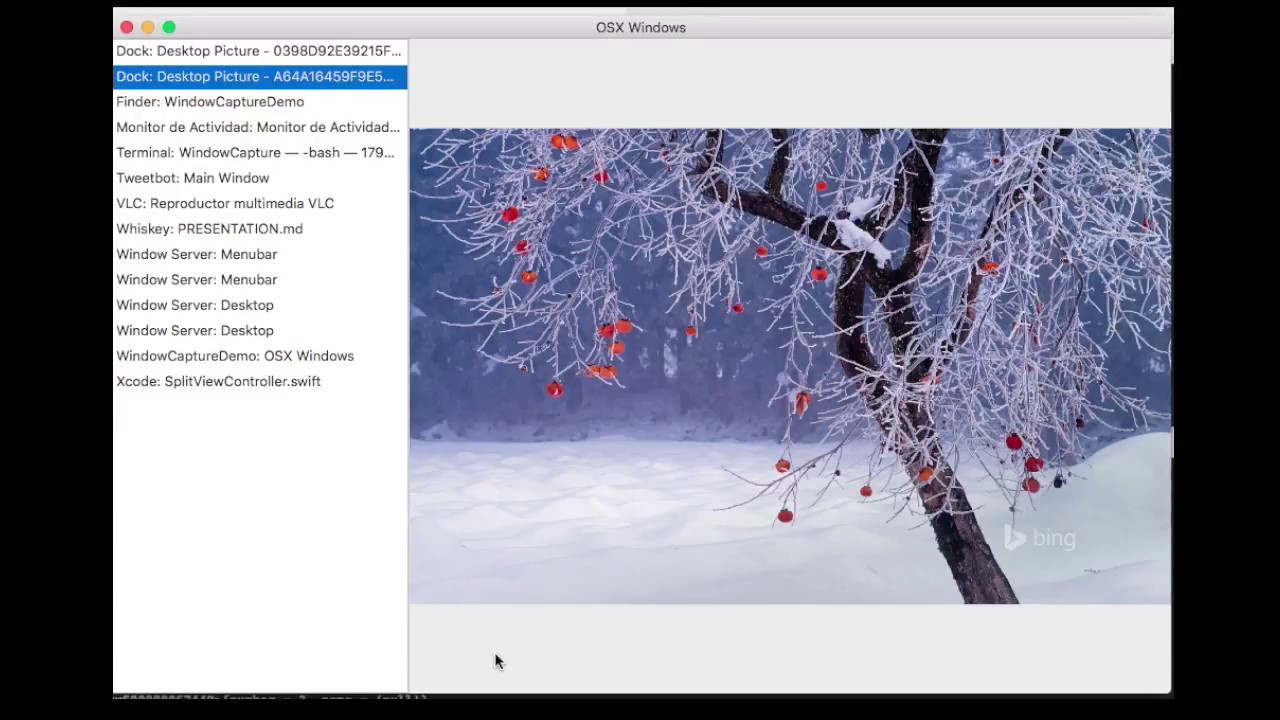
A while ago I wondered how easy would be to make a screenshot of a window in OS X from another application using some system API. With that idea in mind last Christmas I started a project that ended up being too time consuming.
A couple of months ago I wrote a small prototype of the well known Conway’s Game of Life. This kind of simulation has always fascinated me. Giving a set of rules and an initial state to the computer and let maths (and life) do its job has something special.
Today I’ve been updating BingWallpapers to use the last version of Swift and also include the latest changes of WallpapersKit, the framework that is shared across the Mac and iOS versions.
This weekend I wrote a little script that helped me to connect two of the main things that I do everyday: save things into the Safari Reading List and watch Youtube videos offline.
In the previous post I talked how to connect Minecraft and the Real World. In that case I made my real lamps follow open at the same time as my in-game lamps.
The other day I was talking about games with my friend Marc and we ended up talking about Don’t Starve, an amazing game. He confess me a little frustration about the fire camps, he never knows how much fuel they have left. The conversation ended there but the day after I came up with a simple mod that helps with just that.
Today I released AMPActivityIndicator. I wrote this little class a year ago and today I made a little clean up and made it available through Cocoapods.
A sad notice today. I’ve retired Shopless from the AppStore. The reason is simple: I can’t afford the costs of the server that stores and syncs the data.